AtriumApp now available in 4 languages: Romanian, English, French and German
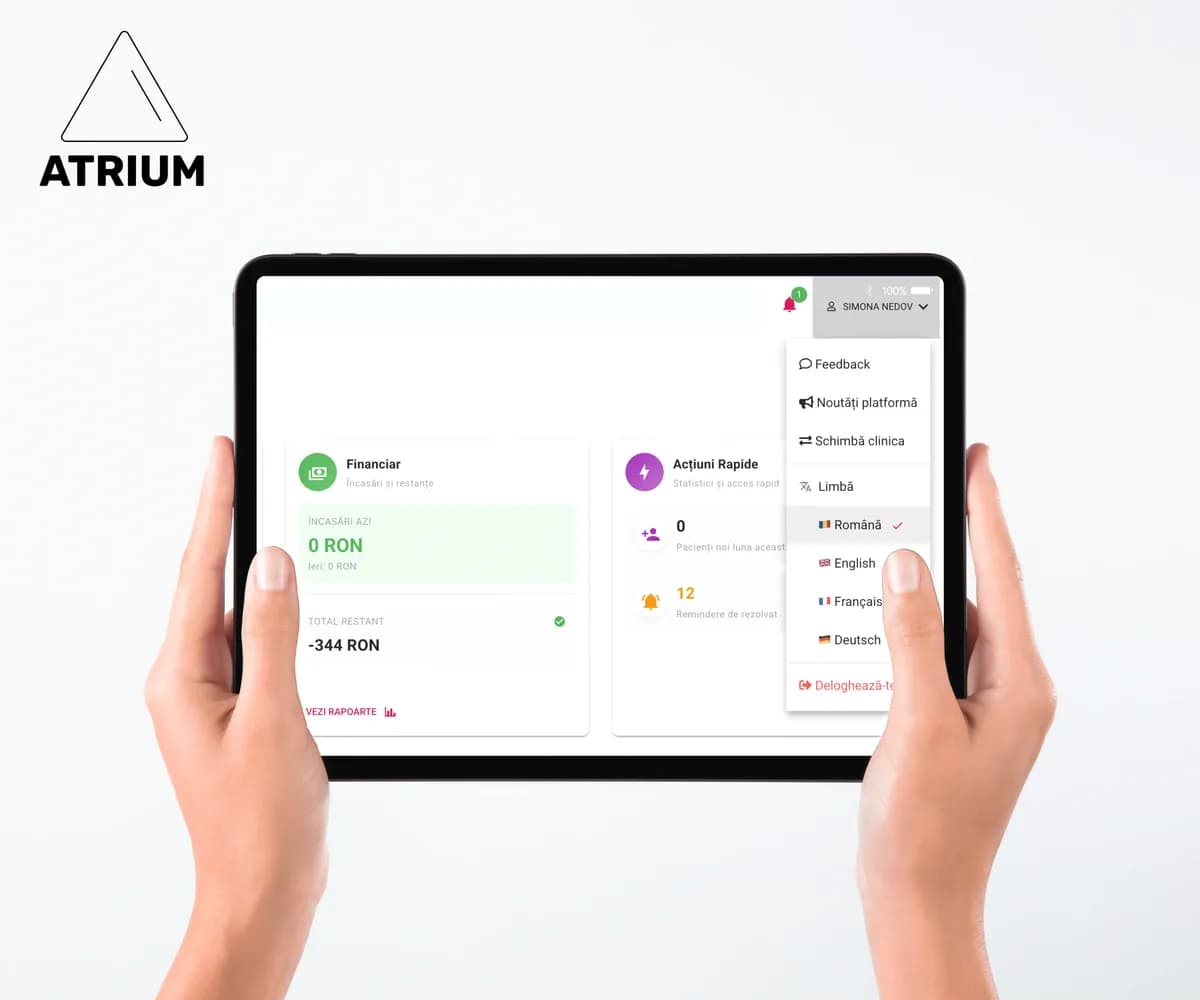
AtriumApp now available in 4 languages: Romanian, English, French and German
AtriumApp offers Romanian, English, French and German in its language selector. This allows a clinic to choose the interface language that best suits the team members using the application.
Why the interface language matters
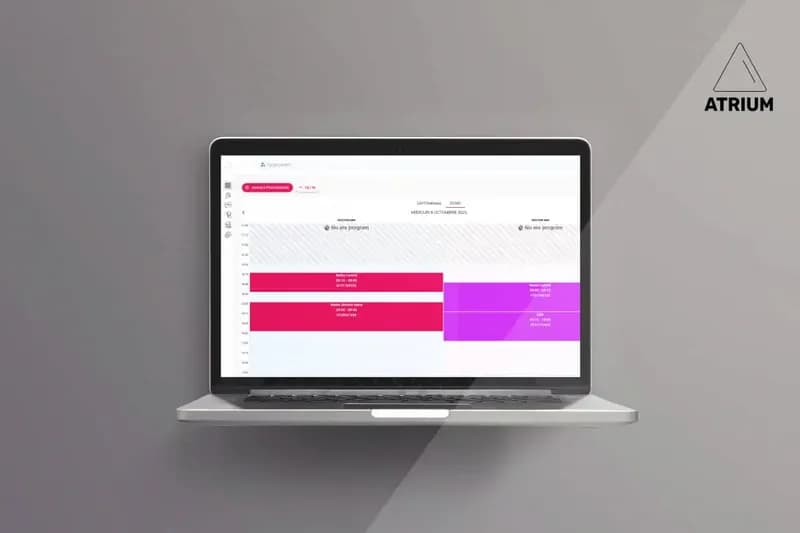
A clinic may have dentists, receptionists or administrators with different levels of comfort using Romanian. An interface in a familiar language can make day-to-day tasks — such as viewing the schedule, searching for a patient or following dashboard information — easier for that user to navigate.
The interface language does not change the clinic's clinical workflow. It helps users navigate the same application more clearly and understand the labels, actions and displayed information more quickly.
The four available languages
In the audited technical source, AtriumApp defines four languages available to users: Romanian, English, French and German.
- Romanian
- English
- French
- German
How to choose the right language for your team
In a clinic where people with different native languages work together, each user needs to be able to work with terms they understand best. Before standardising a working language, it is useful to establish:
- which language reception uses in daily work;
- which language dentists and administrators prefer;
- which internal conventions you maintain for notes, documents and patient communication;
- who checks that new users have the appropriate language selected.
For information about the product's general features, you can consult the Romanian, English, French or German version.
What availability in four languages means — and does not mean
The availability of a language in the selector confirms that the interface offers that option to users. It does not automatically mean that every piece of content created by the clinic — such as internal notes, custom names, uploaded files or text entered by users — is automatically translated.
Likewise, this article does not promise that every screen, export, technical message or integration is fully translated at all times. If a particular area is essential to your clinic's workflow, check how it works in the desired language before adopting it internally.
Commercial terms depend on the relevant market
Public versions of the website are available in all four languages. Commercial terms should not be inferred solely from the language selected: always consult the pricing page and the terms that apply to the relevant market.
For clinics in Romania, AtriumApp presents separate terms for the platform provided as a contractual gift. For international use, consult the information available for the appropriate language and market before making a commercial decision.
Frequently asked questions
Which languages is the AtriumApp application available in?
The AtriumApp language selector offers Romanian, English, French and German.
Can I use the application in French?
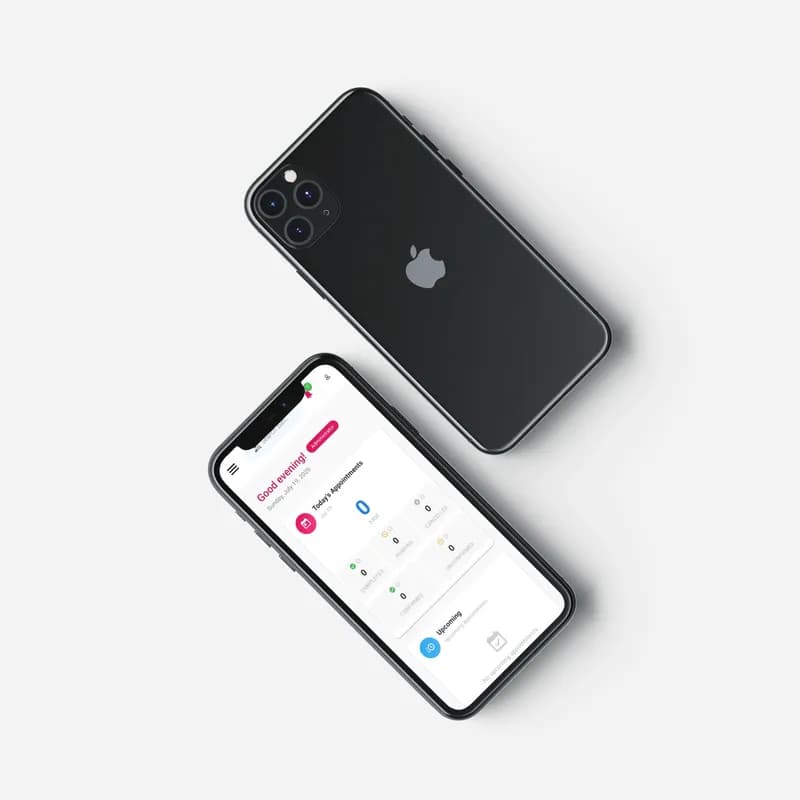
Yes. In a check performed during an authenticated session, the AtriumApp dashboard was displayed in French.
Is content entered by the clinic translated automatically?
Do not assume that notes, documents or other content created by the clinic are automatically translated. Language availability refers to the interface option; check the workflows that matter to your team.
Does the same commercial offer apply in every country?
Do not infer commercial terms from the interface language. Check the pricing page and the terms specific to the market where the platform will be used.
Conclusion
AtriumApp is available with interface options in Romanian, English, French and German. For a clinic with an international team, choosing the right language can make everyday use clearer. Before implementation, validate the workflows and language your team needs in the application.