AtriumApp on Android and iPhone: mobile access for your whole clinic team
AtriumApp on Android and iPhone: mobile access for your whole clinic team
Give your entire team unlimited accounts and set each colleague's access according to their role. Dentists can check their own schedule and activity from a phone or tablet, while reception staff and administrators see the information relevant to their responsibilities.
Give every role the right access
You can create unlimited accounts and set permissions for every colleague. The available roles are Administrator, Doctor and Staff.
You do not need to buy additional accounts as your team grows. Every dentist, receptionist or administrator can have their own account, while you decide which information and actions their role requires.
Keep dentists connected to their schedules
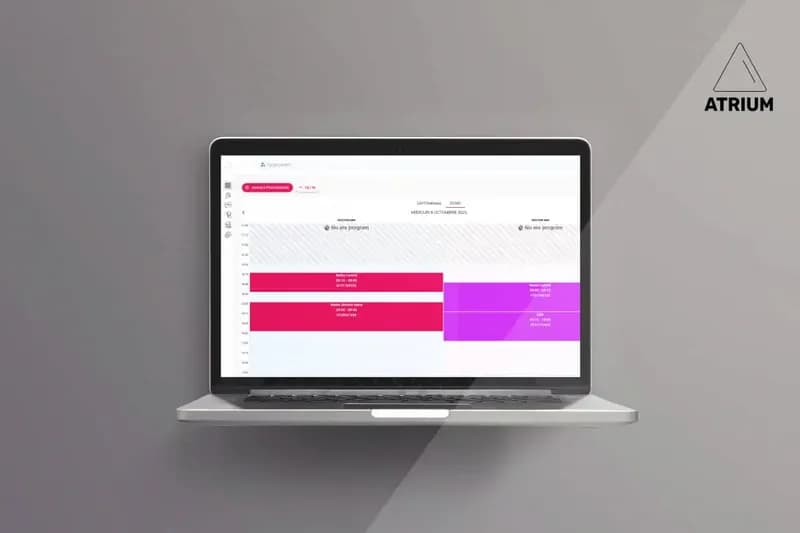
Doctors can access their own activity and appointments. This lets each doctor review their schedule without sharing an account or relying on reception for every check.
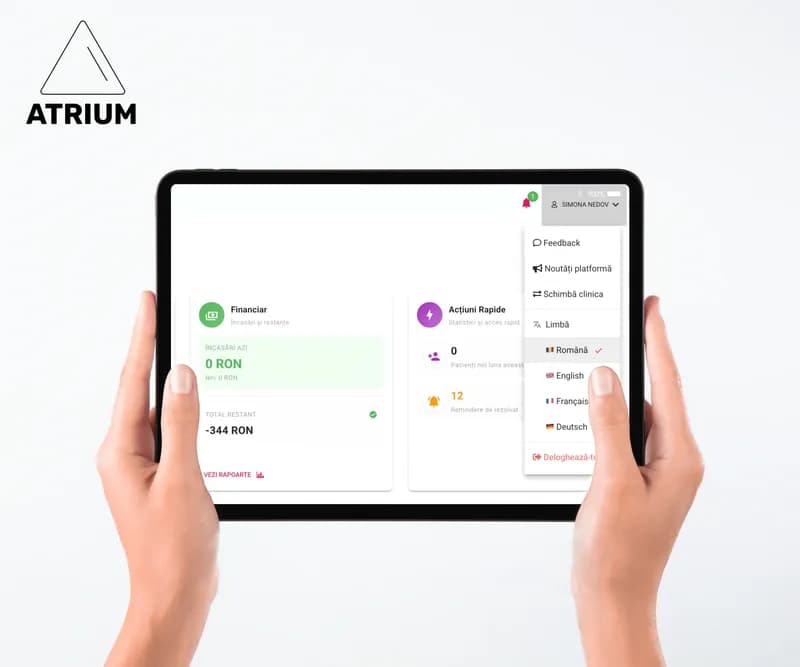
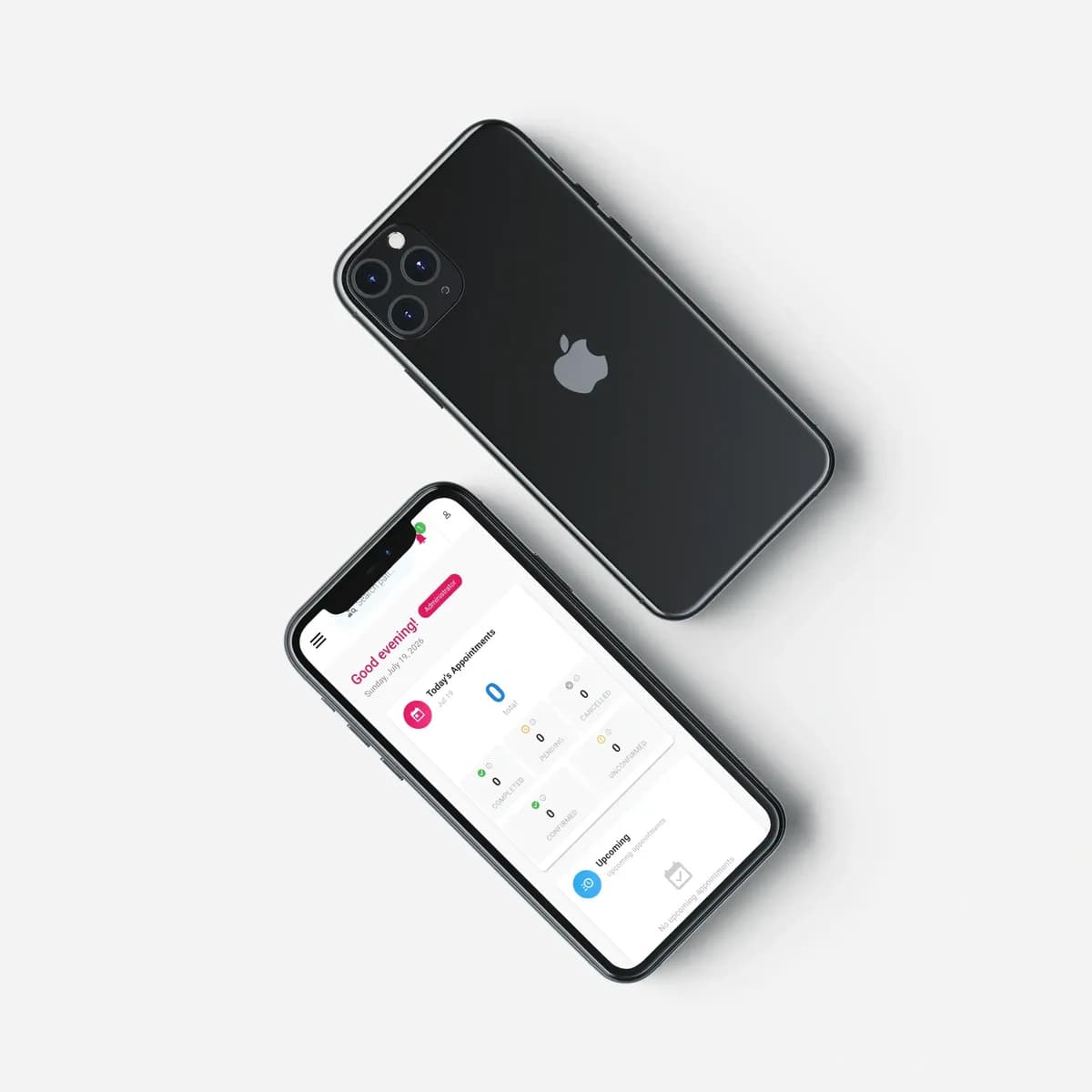
You can access AtriumApp from a phone or tablet, with an experience optimised for mobile devices. A doctor can check their work schedule at home, between appointments or while travelling, provided they have an active internet connection and the appropriate access rights.
Mobile access does not change your clinic's working rules. Access rights, data-use practices and internal procedures remain your team's responsibility.
Get fast access without an app-store download
You do not need to download AtriumApp from Google Play or the App Store. Open it in a browser on your phone, tablet or computer; on compatible devices, you can add it to the home screen for faster access.
The option to add it to the home screen may look different depending on the phone, tablet and browser. Check it on the devices your clinic team actually uses.
Android, iPhone and tablet use
On Android, iPhone and tablet, start with the browser and the official AtriumApp address. If the browser and device offer an option to add it to the home screen, the user can use it for faster access.
Before standardising mobile use in your clinic, test it on your team's actual devices:
- signing in and signing out;
- viewing the information needed for the role;
- each user's access rights;
- how devices are secured and managed;
- the internet connection used away from the clinic.
Frequently asked questions
Can every team member have their own account?
Yes. You can create unlimited accounts, configure access rights and choose the appropriate role: Administrator, Doctor or Staff. You decide who receives access and which information they can see.
Can a doctor check appointments on a phone?
AtriumApp is accessible on mobile and tablet, and users with the Doctor role can access their own activity and appointments. Check your clinic's access-right configuration and the devices in use.
Do I need to download AtriumApp from the App Store or Google Play?
No. AtriumApp is a browser-based application. It is not presented here as a native application distributed through the App Store or Google Play.
Can I use AtriumApp on an iPhone or Android device?
AtriumApp is publicly described as accessible on mobile and tablet. Check the device and browser your clinic uses before adopting it.
Does AtriumApp work without internet access?
AtriumApp needs an active internet connection. Always check the connection your team uses when working away from the clinic.
Put mobile access to work for your team
Give every colleague their own account, set the right access permissions and let doctors check their schedules wherever they need to. Start with the devices and workflows your team actually uses, then establish clear rules for mobile access.